Stretched Image Bug (Windows 10 style)

I love customizing my start menu with pictures related to games I'm playing or fixated on. I am Having this really weird bug where images are really stretched when set to fill and/or images getting turned upside down when it is not set to stretch to fill. The old version of the Start11 menu I used to have before updating didn't have any of these problems. i did make a post before but got little to no reply on how to fix it. 

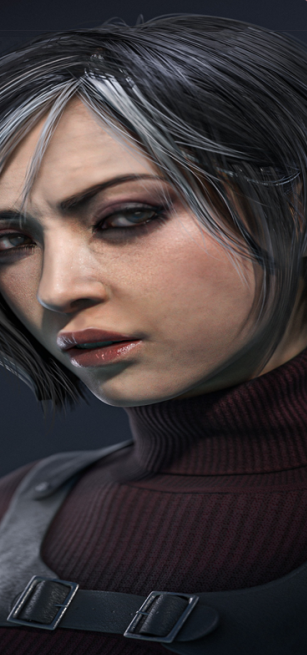
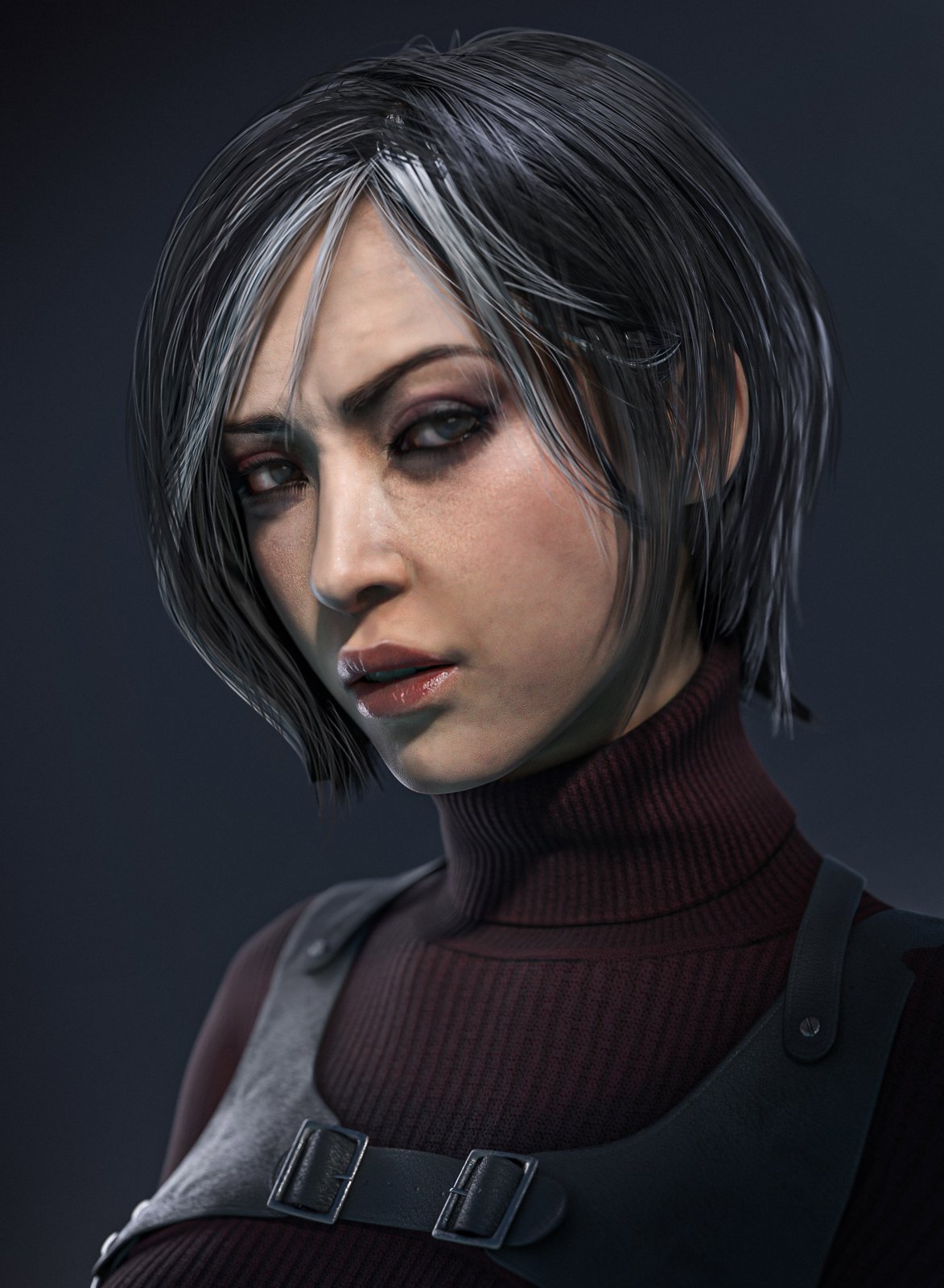
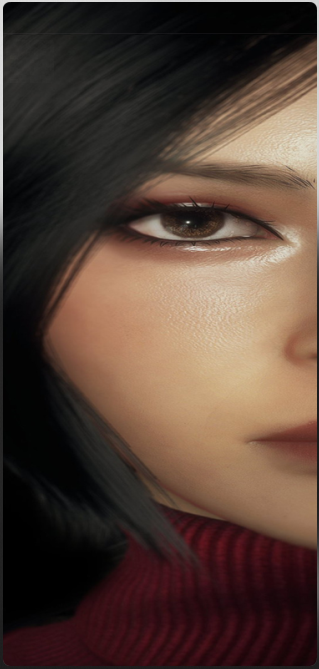
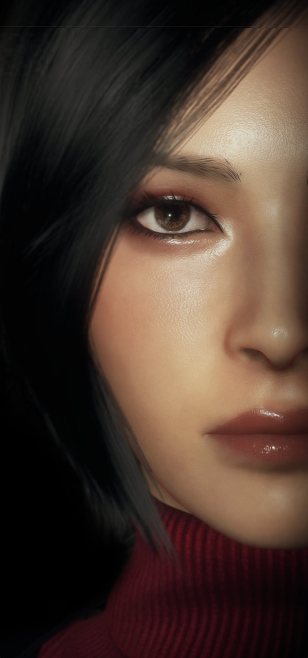
Here is an example of the bug to what it is supposed to look like (an old version didn't have this problem.):

This one is fine.                                              This one is not.
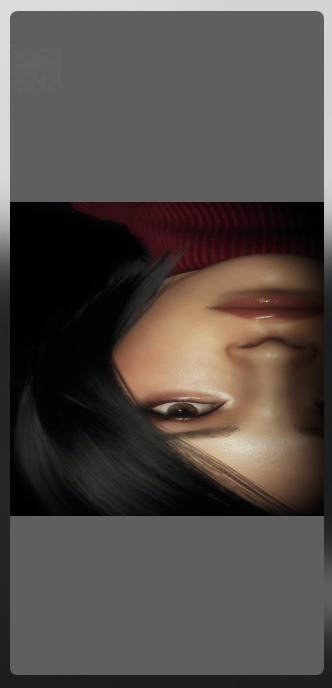
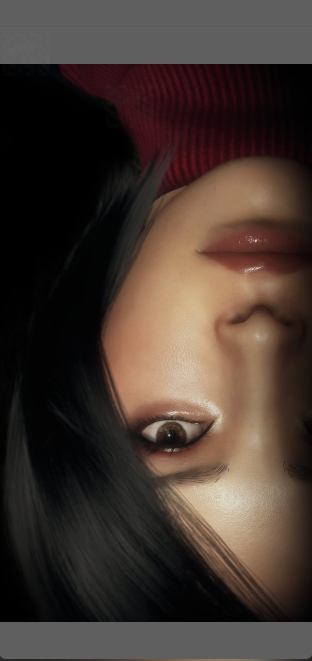
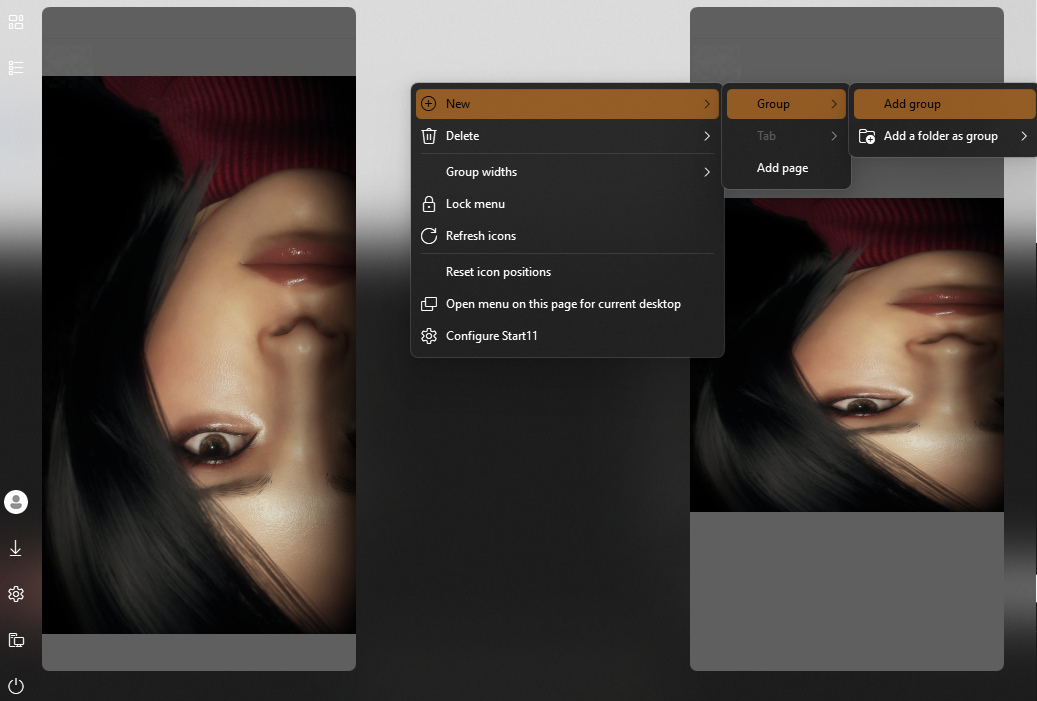
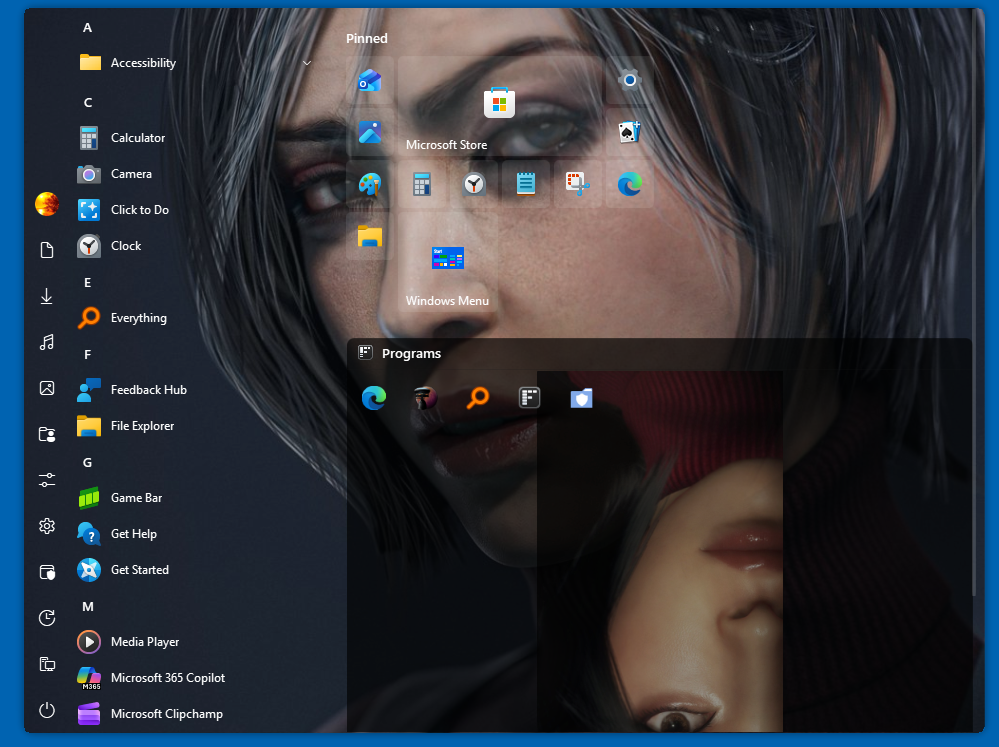
Here is also a picture of it not being set to fill and it getting flipped.
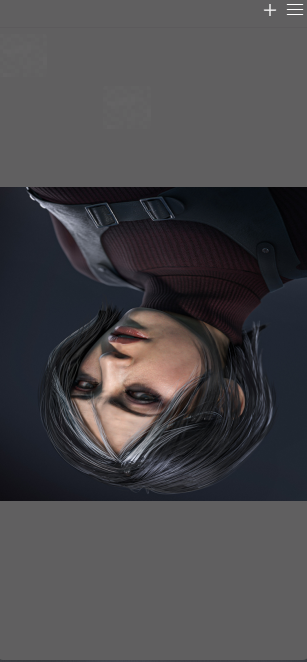
all images do this, even if I screenshot a random thing, it will always turn upside down. (an old version didn't have this problem.) The thing that causes the stretch is just booting up my pc. Whenever Start11 boots for the first time, it will pick any background image for a group and stretch it. 

I hope this is detailed enough for a fix and if there are any questions, I am happy to answer. Thank you.
516 views 7 replies
Reply #1 Top

Hello,

Sorry to hear you are having issues. Please try, uninstall Start11, reboot immediately (important), download latest version available in your account product download page: https://store.stardock.com/myaccount/products. Install it, reboot immediately again. Retest it and report back.

If the issue still appear, we need more details.

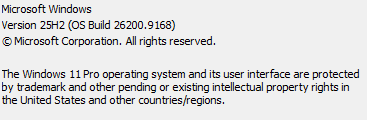
  1. Windows 10 or 11? Also need its full version and OS Build number. Use Winver.exe.
  2. Start11 full version number.
  3. Does the issue appear only on Windows 10 style? Just as a test try some other Start menu style and see if the issue appear. (the upside down issue)
  4. Please share the picture that turn upside down when applied so we can test it on our system.

Thank you,

Basj,

Stardock Community  Assistant.

Reply #2 Top
Quoting basj, reply 4145451

Hello,

Sorry to hear you are having issues. Please try, uninstall Start11, reboot immediately (important), download latest version available in your account product download page: https://store.stardock.com/myaccount/products. Install it, reboot immediately again. Retest it and report back.

If the issue still appear, we need more details.

Windows 10 or 11? Also need its full version and OS Build number. Use Winver.exe.

Start11 full version number.

Does the issue appear only on Windows 10 style? Just as a test try some other Start menu style and see if the issue appear. (the upside down issue)

Please share the picture that turn upside down when applied so we can test it on our system.

Thank you,

Basj,

Stardock Community  Assistant.

End of basj's quote

Hello, this is the version of windows I am using and the start11 full version number is 2.74.

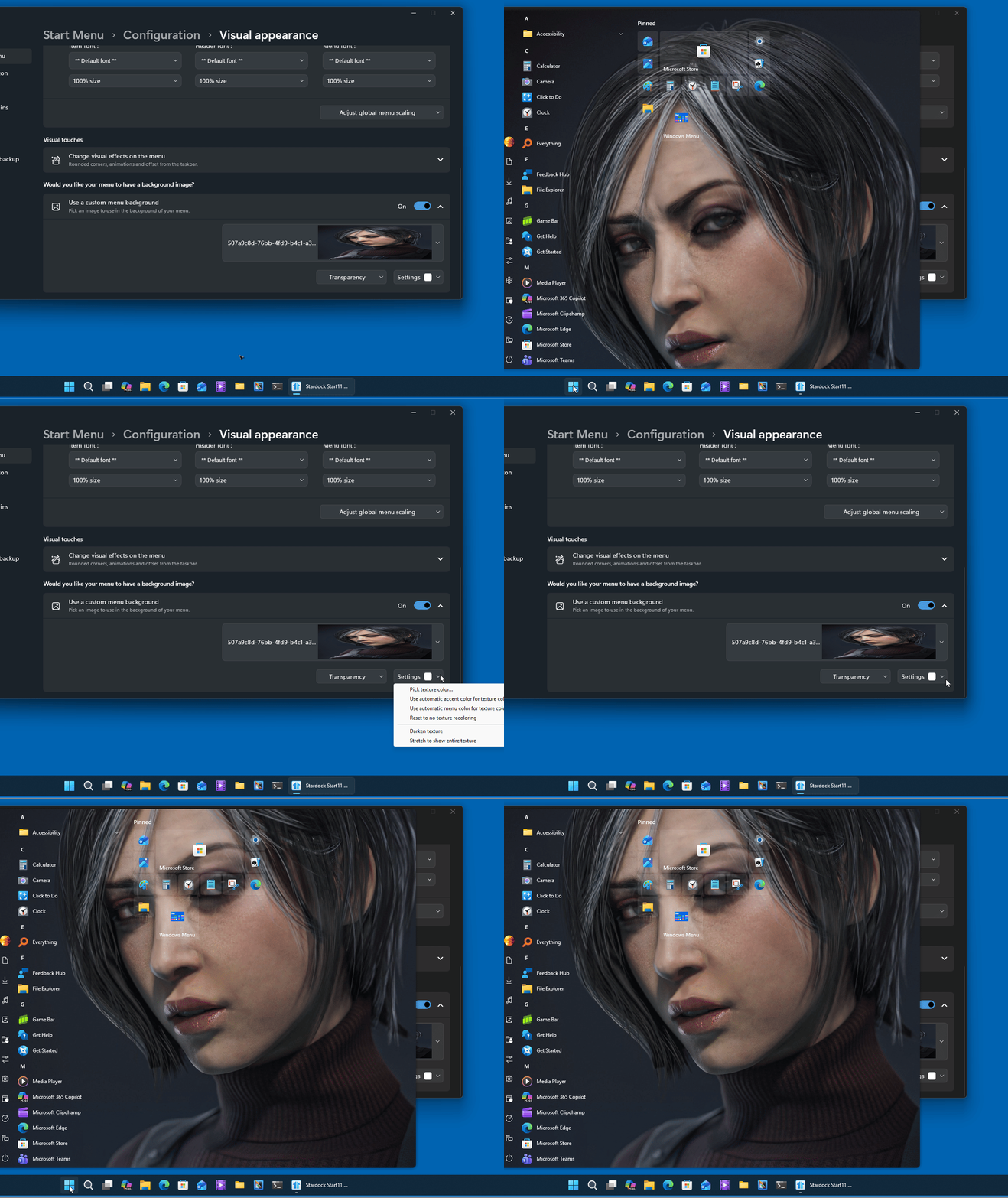
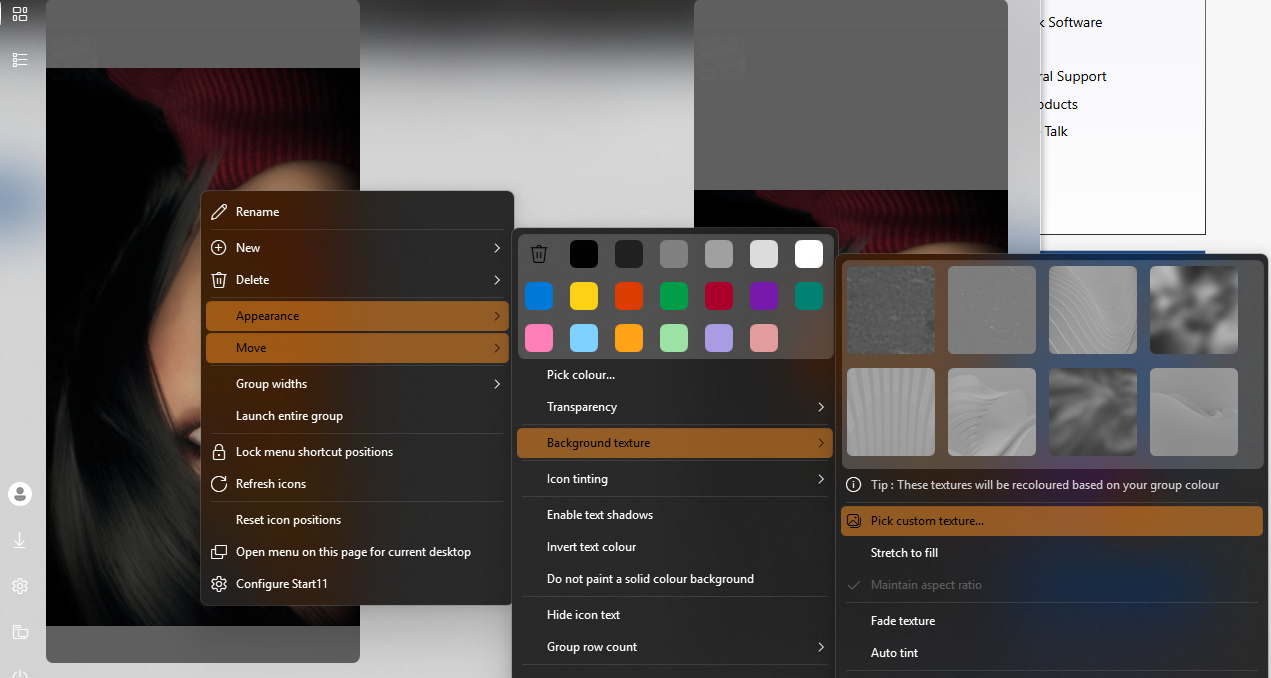
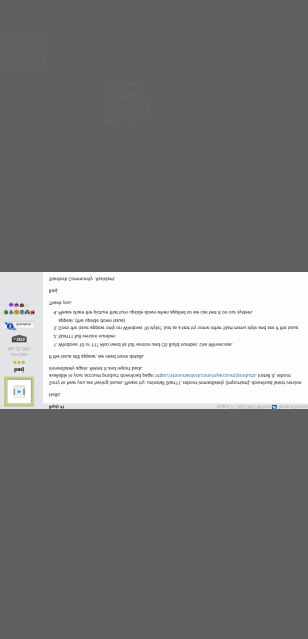
I have tried windows 11 style and others and it still flips upside down and still stetches way too far after a reboot. I did reinstall it and loaded a pre-set and it still stretched after reboot. this happens to all images for me and screenshots. as an example, I took a screenshot of your post sent to me and I tried to set it as background. To be clear, this is from the Start11 Interface: 

(to be clear, it isn't stretched as I didn't reboot at that time. it is still flipped upside down without stretch to fill enabled).

.

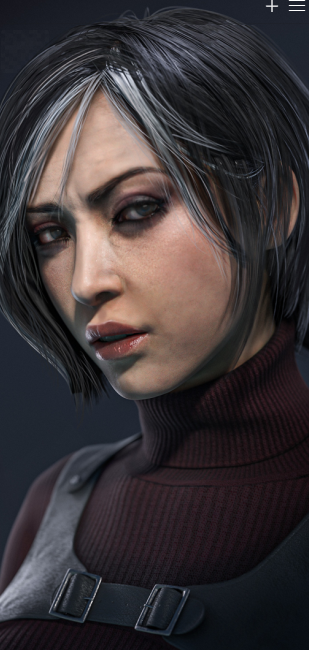
I will send the original image as that is what you asked for, but do know it is every single image, no matter what.

Please let me know how to help if you need it, thanks again!

Reply #3 Top

i might of found the reason for the stretching, on boot up it forced the image to be 1:1, i can only see this when stretch to fill is not on.

here it is when the 1:1 bug is not happening:

you can see that if has been forced to be sized down, making that weird stretch. here are two examples with and without the bug.

with the weird stretch (bugged) on the left and original (not bugged) on the right:

tldr; The stretching is because the software makes it 1:1 instead of its original resolution. I hope this helps you more than the original post. Thanks again.

Reply #4 Top

This is what I get on my system, it does not flip. But, I am not sure, what you mean by this.

Quoting pecks132,

Here is also a picture of it not being set to fill and it getting flipped.

End of pecks132's quote

Perhaps, something went wrong while install Start11, Please try, uninstall Start11, reboot immediately (important), download latest version available in your account product download page: https://store.stardock.com/myaccount/products. Install it, reboot immediately again. Retest it and report back.

Thank you,

Basj,

Stardock Community  Assistant

Reply #5 Top

ahh im sorry, i needed to say group backgrounds.

this entire issue is with the group backgrounds not the background itself.

That's my bad totally. but it is the group background, not the full background as you showed. I didn't even know you could do this kind of background. sorry for the confusion, this was done on the windows 10 style.

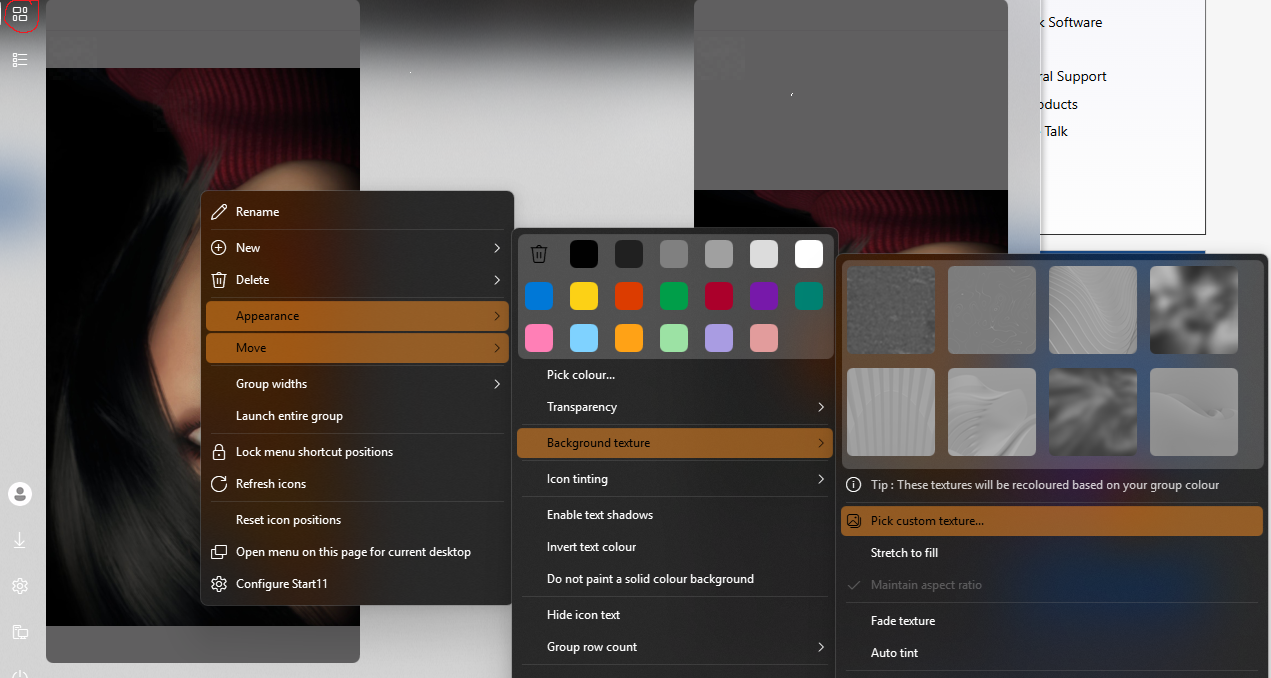
it is in this area aswell. (red circle top right)

Reply #6 Top

Okay, for the Group Custom Background, I can reproduce your issue if I select not to stretch. I have forwarded your problem/question to Stardock Support Team for their assistance. Please keep an eye on this thread for any updates. We appreciate your feedback and patience. 

Thank you.

Basj,

Stardock Community  Assistant

Reply #7 Top
Quoting basj, reply 4145476

Okay, for the Group Custom Background, I can reproduce your issue if I select not to stretch. I have forwarded your problem/question to Stardock Support Team for their assistance. Please keep an eye on this thread for any updates. We appreciate your feedback and patience. 

Thank you.

Basj,

Stardock Community  Assistant

End of basj's quote

Thank you so much! were you also able to reproduce the 1:1 bug? it always happens to me when i start up my computer. will that one also be forwarded? Thanks again.