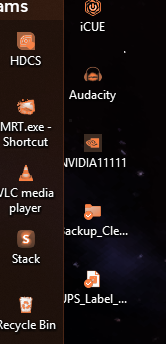
6.52 Fence cutting off desktop Icons name.

Hello, 

Fence Version 6.52 Just updated  from 6.46 same issue.

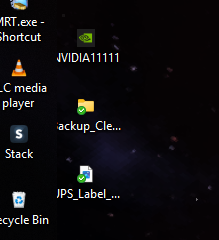
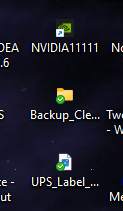
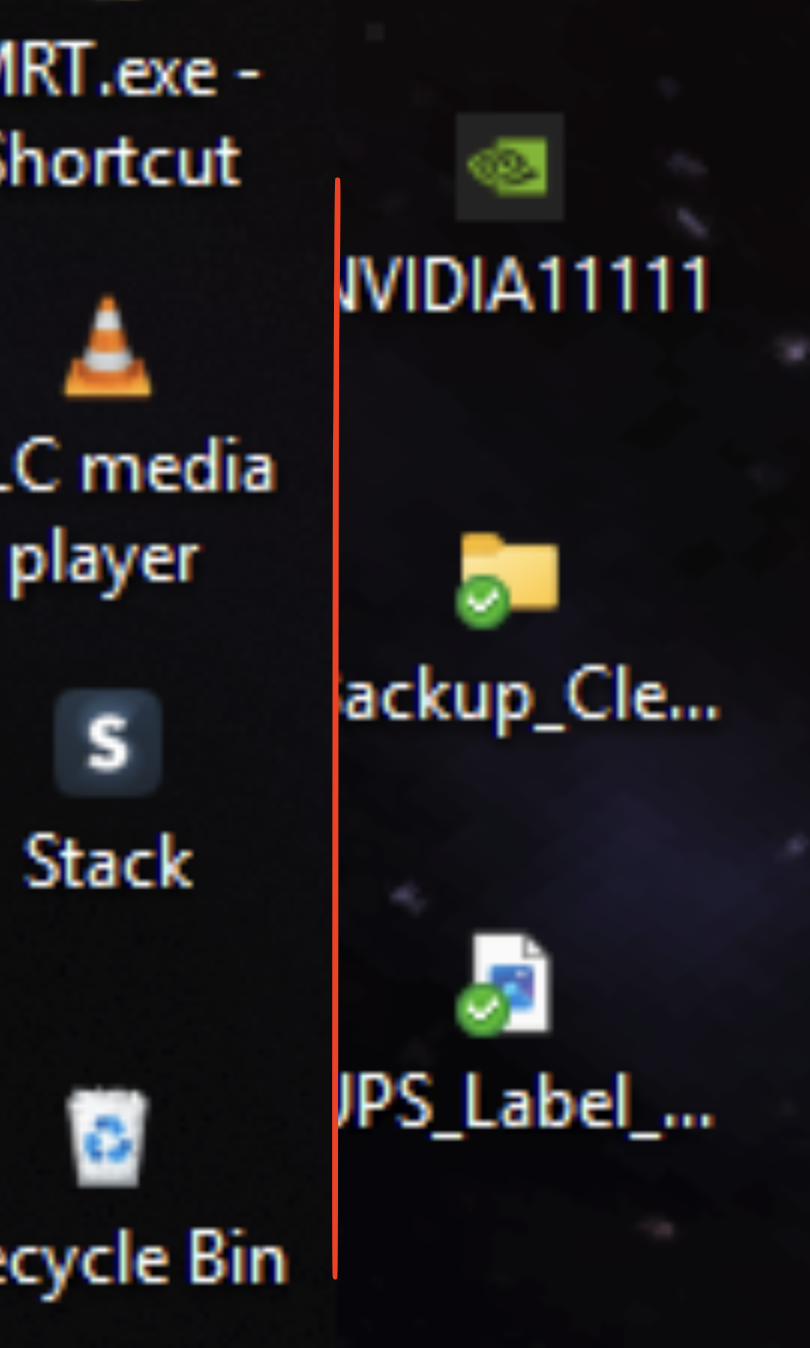
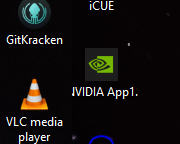
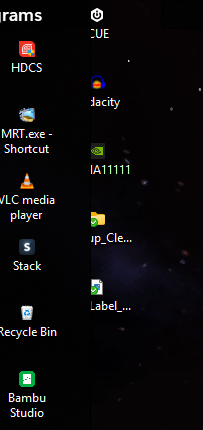
There seems to be a Icon name issue.  When the name text box line is maxed, the text is hidden behind a Fence.  This happens on multiple monitors, and on multiple fences with different icons.  Icon size does not matter, it does not change the issue.  I have provided a screenshot of the Nvidia icon (i maxed it name out on line 1) to show the cut off N.  I have already tried the Fix desktop icon spacing utility in troubleshooting.  It did not work.


I will enable advanced logging, and submit a error report in just a few min.  (has been completed)
Please advise.  Thank you
Jeff
708 views 10 replies
Reply #1 Top

This is a double post now, I updated top 6.52.  Please disregard this post and see the 6.52 thread.  (admin / Mod) feel free to delete whenever you wish to.

Reply #2 Top

Hello,

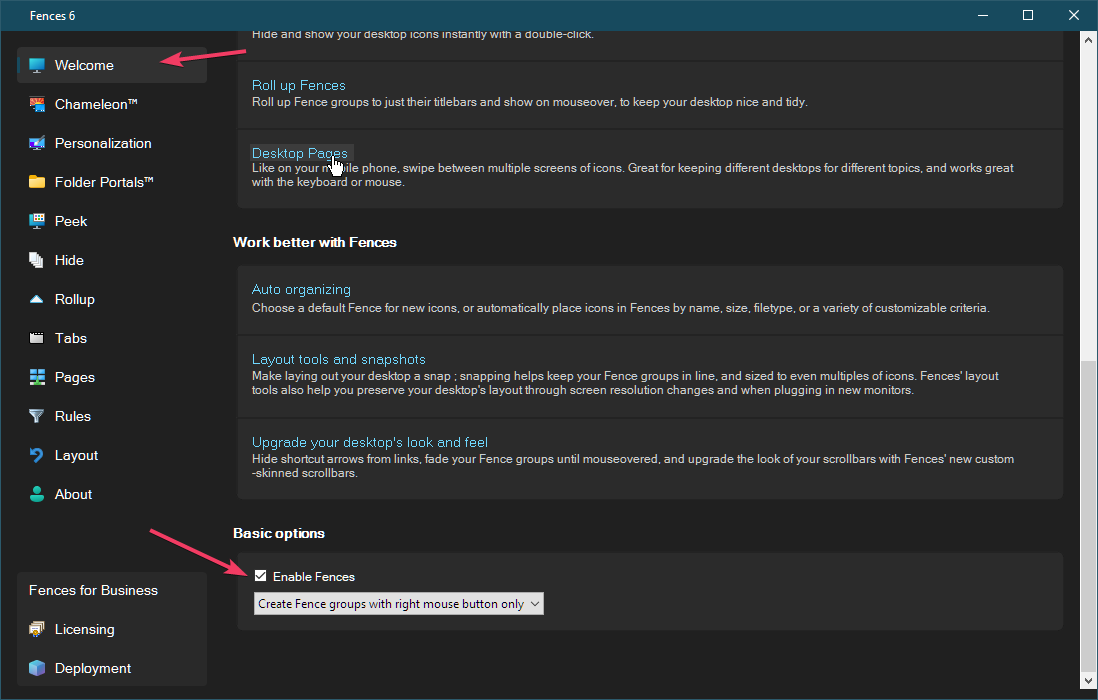
Sorry to hear you are having issues. Please provide screenshots on the same icon with and without Fences turn on. To temporalily turn off Fences please use this switch,

Thank you,

Basj,

Stardock Community  Assistant.

Reply #3 Top
Quoting jeffis108, reply 3996622

This is a double post now, I updated top 6.52.  Please disregard this post and see the 6.52 thread.  (admin / Mod) feel free to delete whenever you wish to.

End of jeffis108's quote

Moving forward, please post here for better support. 

Thank you,

Basj,

Stardock Community  Assistant

Reply #5 Top

Hi jeffis, looking forward to figuring this out.

It seems sortof like those icons are cut off by a Fence group that is overlapping them. Is that the case?

I'm guessing NVIDIA1111 is on the general desktop, and VLC is in a group. And guessing it might just be black background on black background, so it looks like it's cut off, but really it's just obscured?

Which leads the the question how it got in that state.

Are the desktop icons aligned to a grid or auto-arranged? If so, I would expect them to move out of the way, if obscured.

Wondering what happens when you move the group. Do they become unobscured, and/or otherwise move? Is there an issue with grid and/or auto-arrange not working right, and placing icons partially underneath groups?

Seeing here here as well, so, we'll see if this was a regression in the arrangement routine or what. Thanks for the help/clarification.

Reply #6 Top

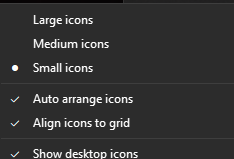
Icons settings


made the fence easier to see, made the background orange tint.


when i select the icons not in a fence as a group and move, they just slither their way back to that position.  Not snappy, not slow, a bit choppy actually, like moves in 1 second but at 5 fps.

Reply #7 Top

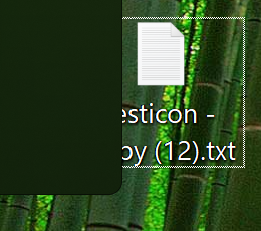
i can even try to make it worse :)  this is the max pull right of the fence before icons re-arrange outside fence.
Reply #8 Top

Ok! We'll have to take a closer look at this, as it seems like it has been this way for a long time. I.e. running Fences 5.00 does the same thing.

So, will have to give it a think about what to do with this. Not to say "can't fix", but, should definitely take caution as it will impact a lot of people to make any change, and, possibilities of things going wrong. Tricky, as it if started excluding icons the very moment there was overlap, then it would be overly aggressive about doing so, But, this is clearly not enough.

Worth noting that on some systems, icon spacing can be *quite wide* i.e. lots of extra space on left and right, and these can arise without user setting manually. So again yeah we'll have to figure out a graceful way to decide what amount of overlap is acceptable and what is not.

Reply #9 Top

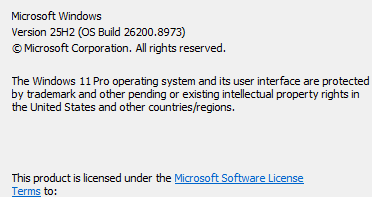
i just updated from windows 23H2 to 25H2 2 days ago, and thats when i started noticing it.  Yes i know what in the hell was i doing on 23H2 still.  dont ask, long story.

But something in the windows desktop icon padding may have changed that wasnt caught and updated for..


Having said all that, it totally may have been doing it on 23H2.  TBH my memory isn't too great at the moment, so i do not recall if it was there or if it wasnt.  But I'm pretty sure if it was i would of reported it.

Reply #10 Top

Just a thought for a possible fix, could add a per pixel +- padding adjustment for horizontal and vertical icon spacing.  That way people would not be affected, and those that are would be able to adjust however they want to.  Or add a sort of padding to the outside of a fence that you can adjust.