Icons in fences and on Desktop Dissapear

Chameleon Issue

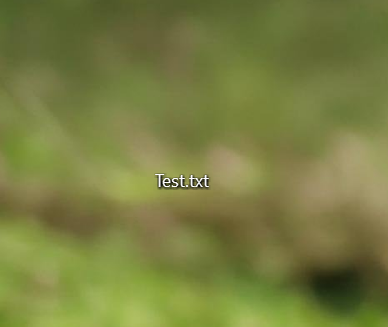
All the Icons on my desktop, (both, in & out of fences) disappear, with just the text visible.  This happens when Either Chameleon or Icon tint is enabled and seems to affect all file types

Stardock Fences  Version 6.46

Microsoft Windows Version 25H2 

(OS Build 26220.8544)


151 views 6 replies
Reply #1 Top

Hello,

Sorry to hear you are having issues. Need to know if you also have Start11v2 installed? If so, please try, uninstall Start11v2, reboot immediately (important), download latest version V2.7.2 available in your account product download page: https://store.stardock.com/myaccount/products. Install it, reboot immediately again. Retest it and report back.

Thank you,

Basj,

Stardock Community  Assistant.

Reply #2 Top

I dont have Start 11 installed. 

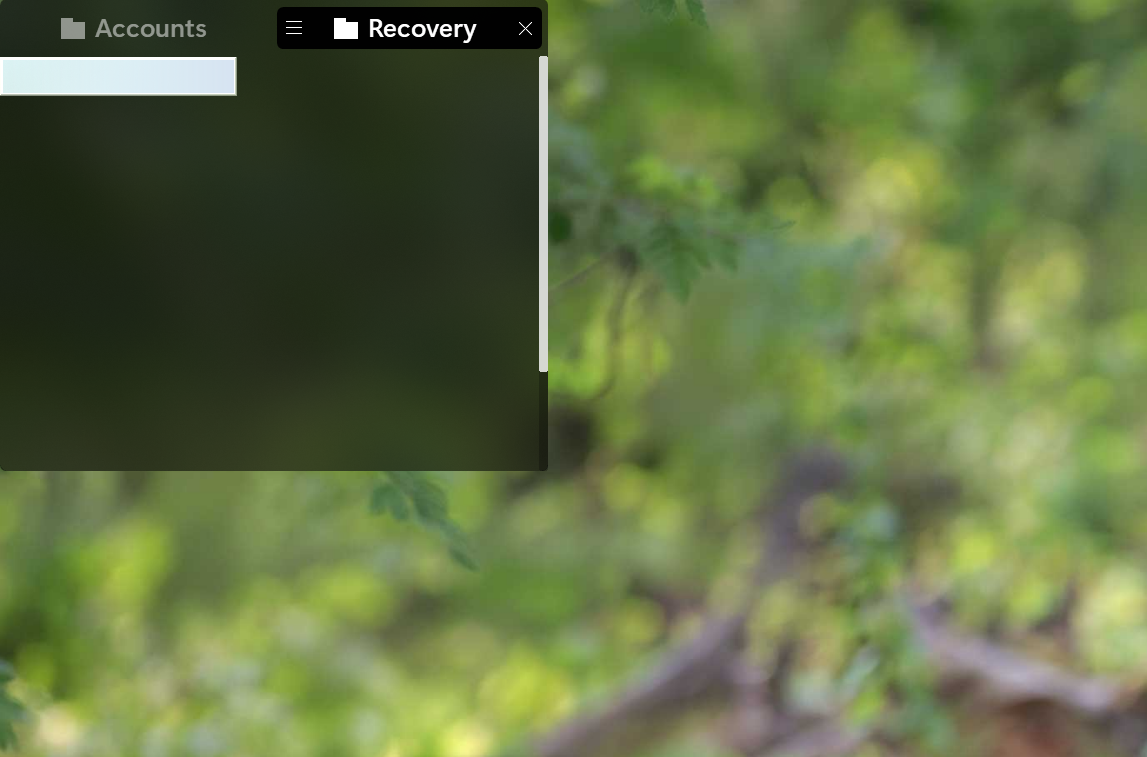
This is also a weird glitch that I have with Fences. Sometimes I'll get this strange translucent box and then when double click that box it will make the icons appear again. 

Is there a direct support system for Stardock where I can send a video?


Reply #3 Top

Please uninstall Fences, then reboot your PC right away (this step is important). Next, download the latest version from your account’s product download page: https://store.stardock.com/myaccount/products. Install it, reboot again immediately, and then retest the issue. Kindly report back with the results.

It also appears you are currently on the Windows 11 Insider Beta Preview, which is not supported. If possible, please revert to the official Windows 11 release version and check whether the issue still occurs.

Additionally, you may upload a video showing the issue to any video‑sharing site and post the link here. Please make sure the video is set to publicly available so others can view it.

Thank you,

Basj,

Stardock Community  Assistant


Reply #4 Top

Hi. In addition to basj's comments:

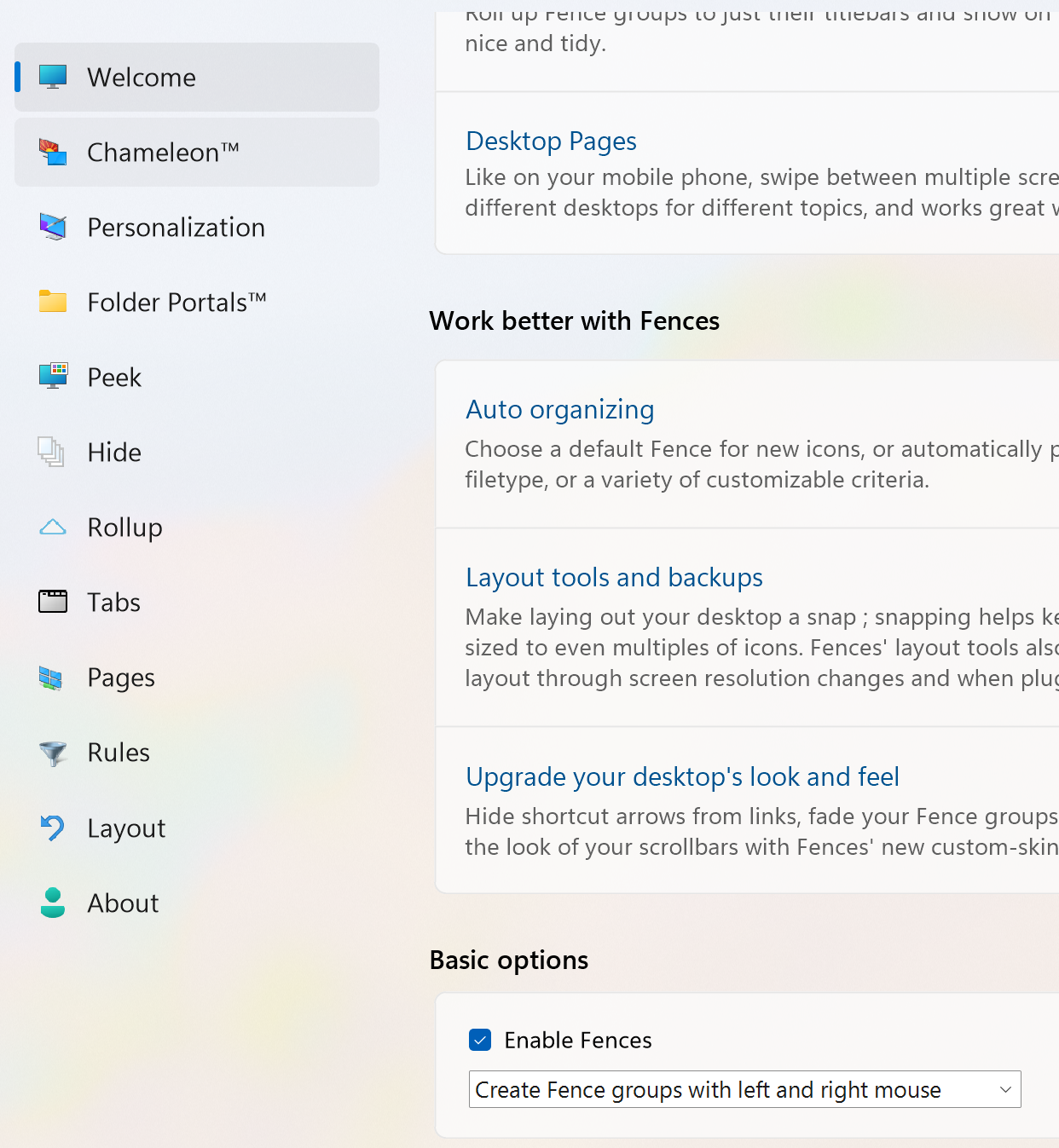
If you uncheck "Enabled" from the welcome screen, does the issue resolve?

Reply #5 Top

Yes. Disabling Fences reverts my desktop back to normal, and I am able to see all the icons.


The earlier problem with my icons disappearing is not always 100% consistent. Sometimes they will be there; sometimes they won't. After uninstalling and reinstalling, they were there, but then after using my desktop for a little bit, I had this weird box glitch again. I took a video of me interacting with it:

Basically, it is something to do with Fences because if I put it next to the rolled-up fence and then expand it, the box will snap to the fence... Once I double-click on the box, then the icons will appear again (which happens towards the end of the video). Otherwise, it will just be able to be dragged anywhere to the desktop, and nothing will happen. 


I think it's a little weird that the only way to get support is to post my videos of all my files for the whole world to see, but ok 


Here is the video

Click to download files: https://file.kiwi/25155897#oC-M_UP1NNnPALfndCikLg


If someone has a more normal way to embed the video, if you don't mind doing it for me, it would be appreciated.

Reply #6 Top

Have you actually try the uninstall/reboot/reinstall/reboot steps for Fences?

Thank you,

Basj,

Stardock Community  Assistant